
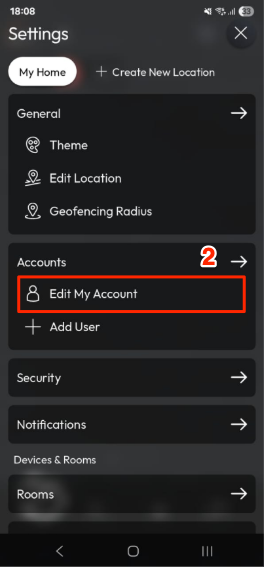
- Open the app and go to Settings.
- Tap Edit My Account.
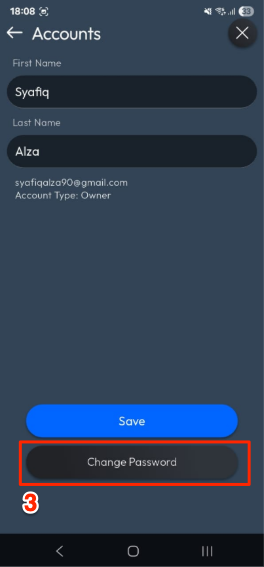
- Tap Change Password.
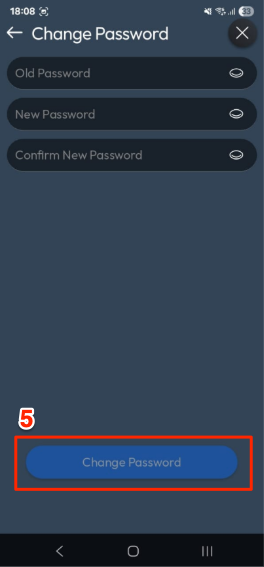
- Enter your Old Password, then your New Password, and confirm it.
- Tap Change Password to save the update.
How to Change Password in the AirTouch Home Mobile App?
Last updated 26 October 2026
More in Features & Functionalities
Did this help? If you’re still stuck, our team is here.
Contact support