
- Go to Settings > General.
- Tap on Theme.
- For Console: choose from Photos, Gradient Background, or Downloads.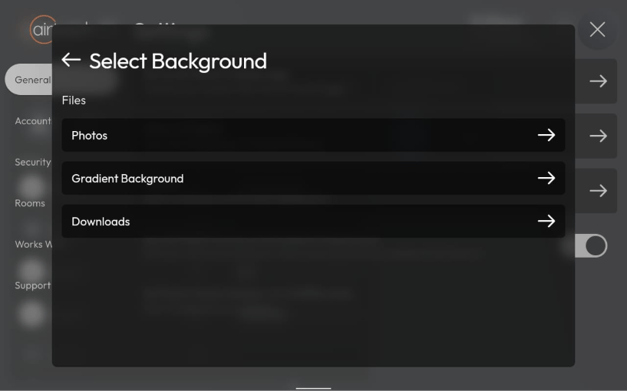
- For the App: select photos from your Gallery (permission to access is required).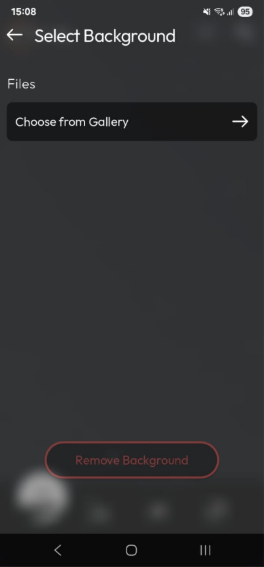
- Use the selected image as background.
How to Change Your AirTouch Home Theme?
Last updated 26 October 2026
More in Features & Functionalities
Did this help? If you’re still stuck, our team is here.
Contact support