
- Open the app.
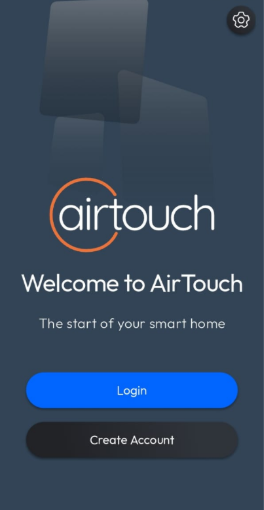
- Tap Create Account button.
- Enter your First Name, Last Name, Email, Password, and Confirm Password.
- Tap Accept & Create Account button.
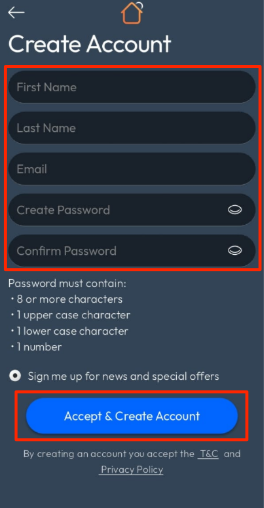
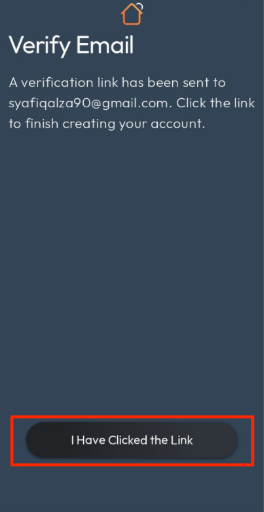
- The app will display a Verify Email screen and send a verification email to the address you provided.
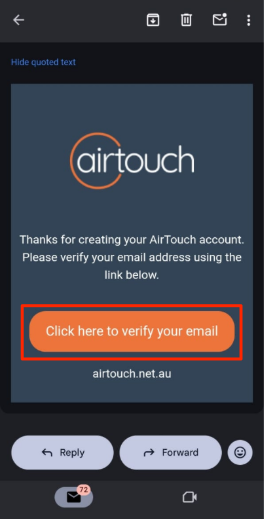
- Open the email and tap the verification link.
- Return to the app and tap I Have Clicked the Link button.
- The app will display a Welcome screen.

How to create AirTouch Account in AirTouch Home Mobile App?
Last updated 26 October 2026
More in Getting Started & Basic Setups
Did this help? If you’re still stuck, our team is here.
Contact support