
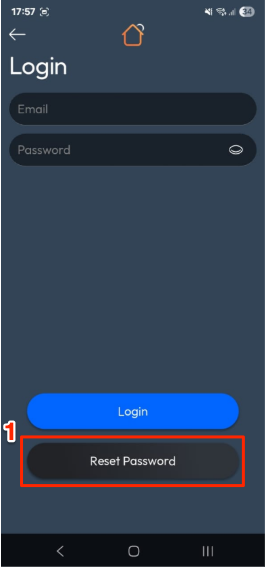
- On the Login screen, tap Reset Password.
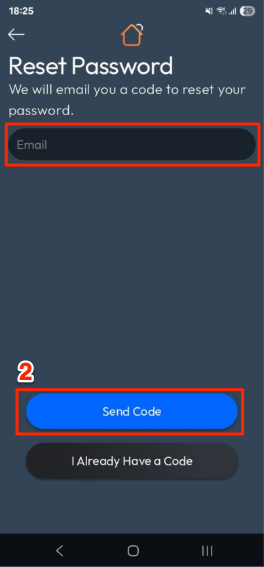
- Enter your Email address → tap Send Code.
- Check your email and enter the 6-digit verification code. Then, create a New Password and confirm it.
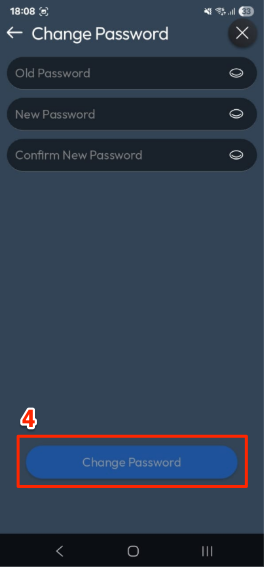
- Tap Change Password.
- You’ll be redirected back to the Login screen to sign in with your new password.
How to Reset Password in the AirTouch Home Mobile App?
Last updated 26 October 2026
More in Features & Functionalities
Did this help? If you’re still stuck, our team is here.
Contact support