
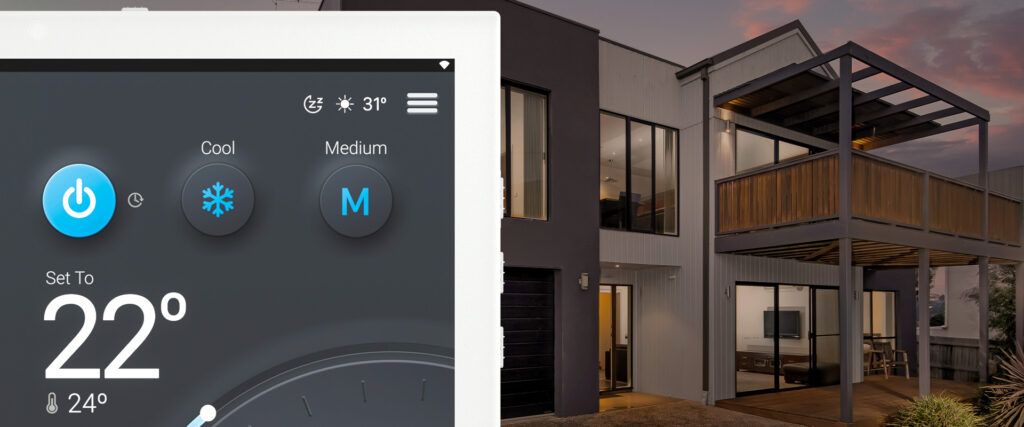
Sleep/Away Mode with AirTouch 5 helps you sleep more comfortably and save energy. Unlike traditional standby modes, Sleep Mode intelligently adjusts your air conditioner's set point for improved efficiency while you rest.
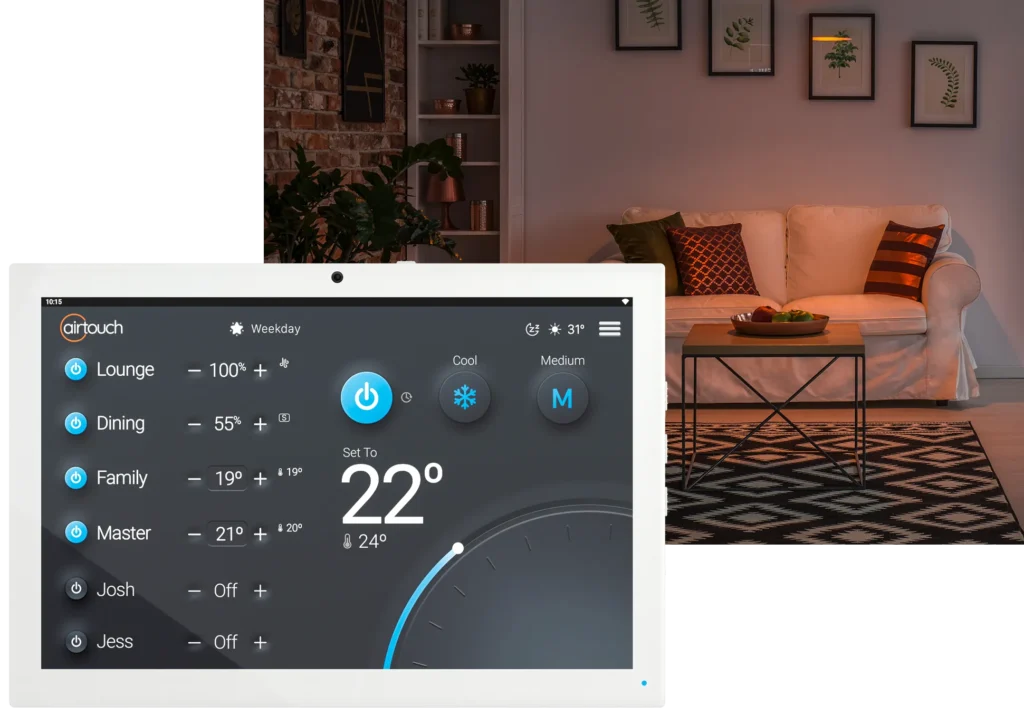
How Sleep/Away Mode Works
-
In Cool Mode: Increases the set point by 1°C every hour for 3 hours.
-
In Heat Mode: Decreases the set point by 1°C every hour for 3 hours.
-
After 3 hours, the AC maintains the final adjusted temperature until Sleep Mode is manually cancelled.
-
The set point displayed on the screen remains at your chosen temperature.
Setting Up Sleep/Away Mode
-
Set Comfort Temperature:
-
Define the maximum and minimum temperatures that you're comfortable with during sleep.
-
-
Steps to Activate:
-
Open the Quick Menu
- Select Settings.
-
Select Smarts.
-
Choose Sleep & Away.
-
Set the limits for Cool and Heat modes.
-
-
Activating Sleep Mode:
-
Use the Quick Menu or long press the AC Power button (when the unit is On).
-
Sleep Mode is only available in Cool or Heat mode (not in Fan, Dry, or Auto).
-